
Quick Call Dialer1.0.1 - App Store
You'll be able to see results in few seconds.
Publisher Description

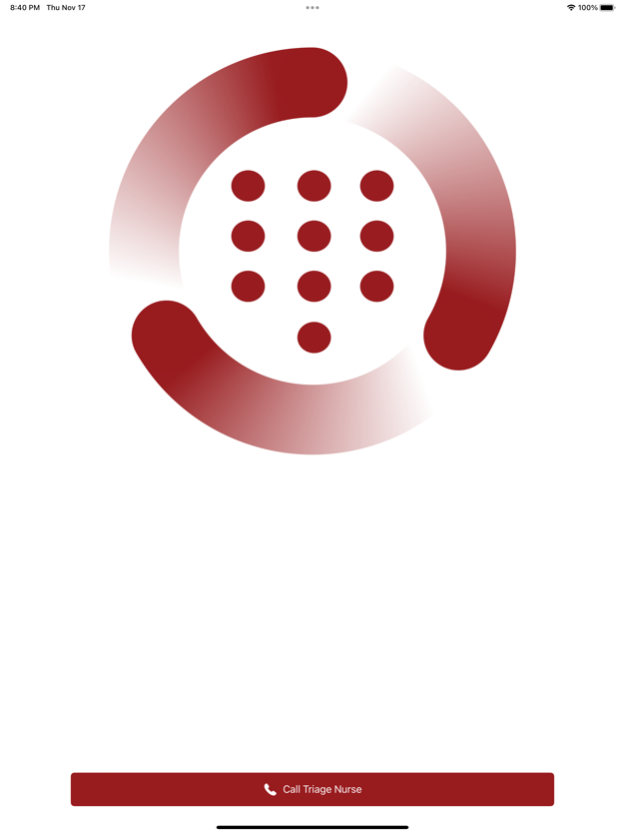
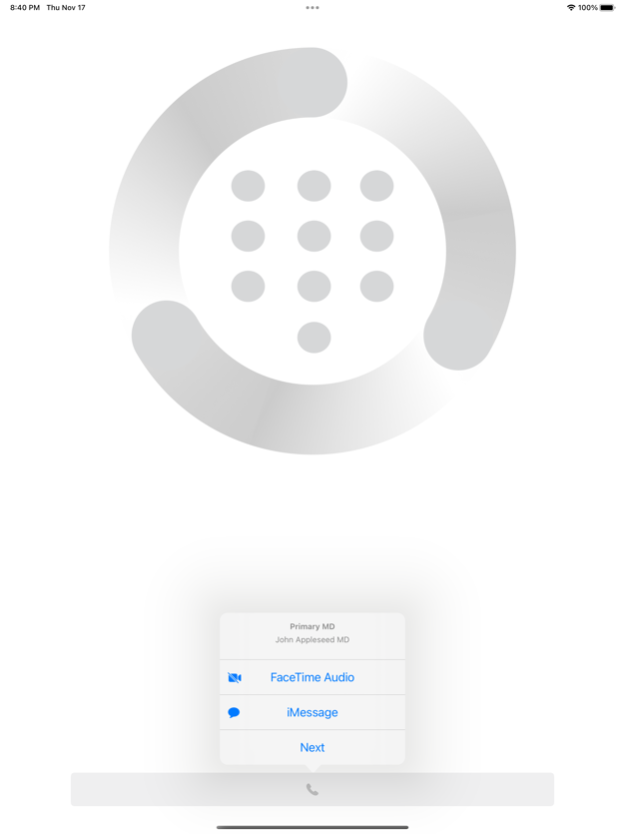
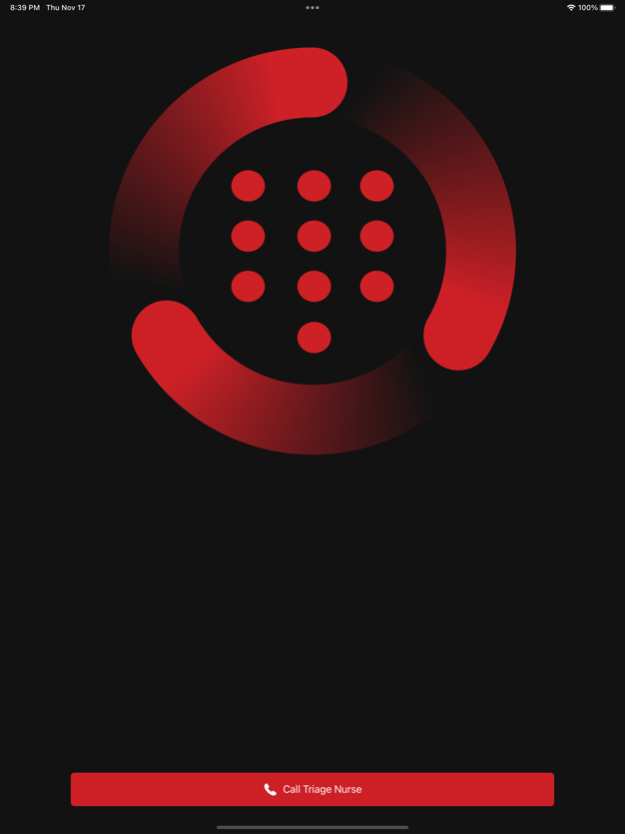
Quick Call Dialer is an easy-to-use app that simplifies and automates calling of scheduled groups of contacts using their Apple IDs. With a URL to a hosted scheduling website or an uploaded spreadsheet CSV file containing the schedule, the app will automatically populate who to call based on the schedule allowing for one-touch dialing. An optional priority CSV spreadsheet can also be added to specify which order to call the scheduled contacts. This application is a rapid call sequencer that utilizes the native iPhone, iPad, iPod, Mac audio/video telephony system by calling the Apple ID.
Though flexible and open to all disciplines, Quick Call was designed and implemented to support urgent tele-health triage and care by helping users quickly reach the appropriate healthcare provider based on a group’s prioritized call schedule. With minimal setup, Quick Call will load your group’s call schedule and prioritized call order, so users can push one button to call contacts, one after another, in-order, until someone run the call list answers the call.
By changing a setting to enable provider support, service providers and can use Quick Call to triage and escalate calls to additional on-call providers. The provider focus also simplifies contacting the other providers via iMessage. The app supports scheduling through QGenda™ scheduling services as well as a simple schedule spreadsheet (CSV) and priority spreadsheet (CSV). Examples of the simple spreadsheet scheduling file formats is provided below.
Schedule CSV: https://telestroke.va.gov/wiki/files/C3h300N/DevSchedulecsv.html
Priority CSV: https://telestroke.va.gov/wiki/files/F0a1v145C/QuickCall_Sample_Prioritycsv.html
Jul 19, 2023
Version 1.0.1
- Choosing Cancel on the Call/Cancel dialog resets the call chain
- Verbose priority file failure and mismatch alerts/toast messages
- Support for new priority file format (backwards compatible) including redials
- Removed spinning icon animation and updated button labels and error messages
- Refactored schedule file format
- Added CSV support for schedules and priorities files
- Addressed a bug where the app would get stuck on Loading
- Removed Amion support
- Display "Missing Call Data" if a priority URL has been specified but fails to resolve
- Networking improvements to support poor bandwidth and high latency networks
- Alert the user to change their Settings when the priority file/URL has none of the on-call shift roles ("Priority Mismatch")
About Quick Call Dialer
The company that develops Quick Call Dialer is US Department of Veterans Affairs (VA). The latest version released by its developer is 1.0.1.
To install Quick Call Dialer on your iOS device, just click the green Continue To App button above to start the installation process. The app is listed on our website since 2023-07-19 and was downloaded 0 times. We have already checked if the download link is safe, however for your own protection we recommend that you scan the downloaded app with your antivirus. Your antivirus may detect the Quick Call Dialer as malware if the download link is broken.
How to install Quick Call Dialer on your iOS device:
- Click on the Continue To App button on our website. This will redirect you to the App Store.
- Once the Quick Call Dialer is shown in the iTunes listing of your iOS device, you can start its download and installation. Tap on the GET button to the right of the app to start downloading it.
- If you are not logged-in the iOS appstore app, you'll be prompted for your your Apple ID and/or password.
- After Quick Call Dialer is downloaded, you'll see an INSTALL button to the right. Tap on it to start the actual installation of the iOS app.
- Once installation is finished you can tap on the OPEN button to start it. Its icon will also be added to your device home screen.
Program Details
System requirements
Download information
Pricing
Version History
version 1.0.1
posted on 2023-07-19
Jul 19, 2023
Version 1.0.1
- Choosing Cancel on the Call/Cancel dialog resets the call chain
- Verbose priority file failure and mismatch alerts/toast messages
- Support for new priority file format (backwards compatible) including redials
- Removed spinning icon animation and updated button labels and error messages
- Refactored schedule file format
- Added CSV support for schedules and priorities files
- Addressed a bug where the app would get stuck on Loading
- Removed Amion support
- Display "Missing Call Data" if a priority URL has been specified but fails to resolve
- Networking improvements to support poor bandwidth and high latency networks
- Alert the user to change their Settings when the priority file/URL has none of the on-call shift roles ("Priority Mismatch")
version -
posted on 2023-07-18
Disclaimer
Official App Store Link
We do not host Quick Call Dialer on our servers. We did not scan it for viruses, adware, spyware or other type of malware. This app is hosted by Apple and passed their terms and conditions to be listed there. We recommend caution when installing it.
The App Store link for Quick Call Dialer is provided to you by apps112.com without any warranties, representations or guarantees of any kind, so access it at your own risk.
If you have questions regarding this particular app contact the publisher directly. For questions about the functionalities of apps112.com contact us.
